






Project Management
Job Estimate Automation with Logo (Google Sheets)
$9.99
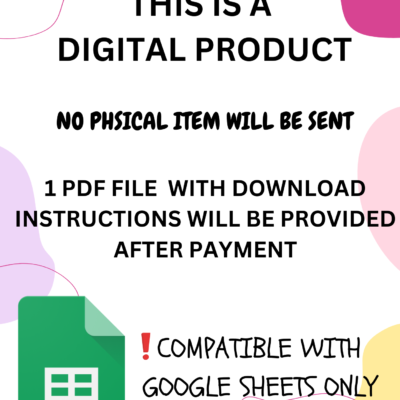
- Instant download after payment
- No sales tax, no hidden fees
- Excel and/or Google Sheets files
How does it work?
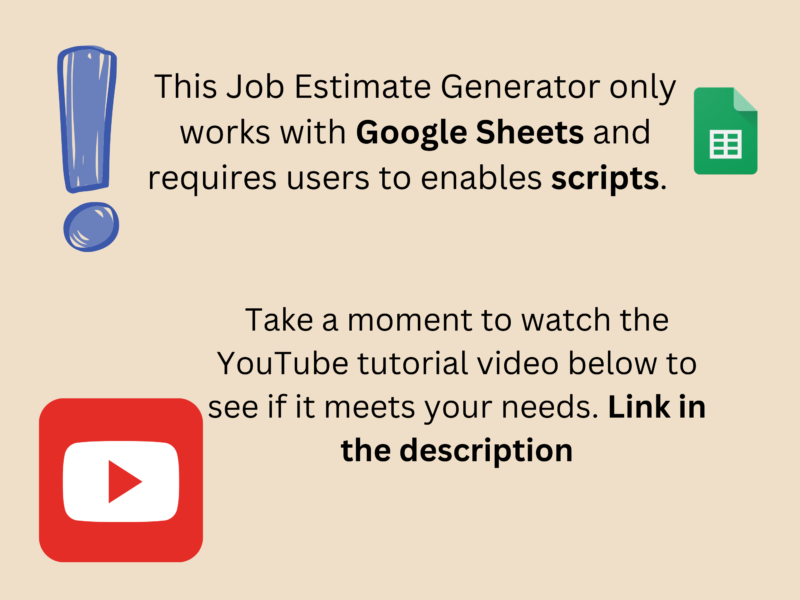
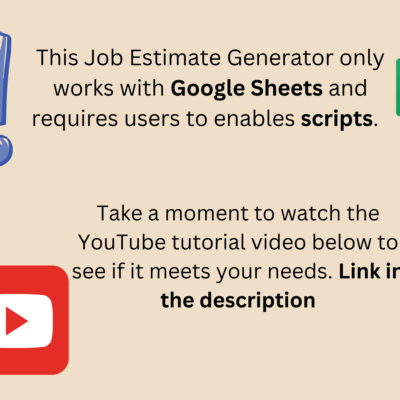
Check out the Youtube video on how to use it below.
What will I get?
1 Google Sheets template. After payment, your download link opens Google’s “Make a copy” page, and one click saves the template to your own Google Drive. The Google Sheets template includes scripts (automations), so it works in Google Sheets only. Also included: a PDF guide showing how to allow the scripts the first time.
How will I get the files?
Once your payment is successfully processed, you will receive instant access to download links for your digital product. A confirmation email will also be sent with downloadable links.
Returns & Exchanges?
These are digital products and sales are final. If a template does not work as described, you may report the issue within 7 days of purchase and may be eligible for a refund under the Terms of Service.
About this template
This automated job estimate works in Google Sheets. It is the Job Estimate Automation with Logo (Google Sheets), designed by a licensed CPA.
What is in the automated job estimate
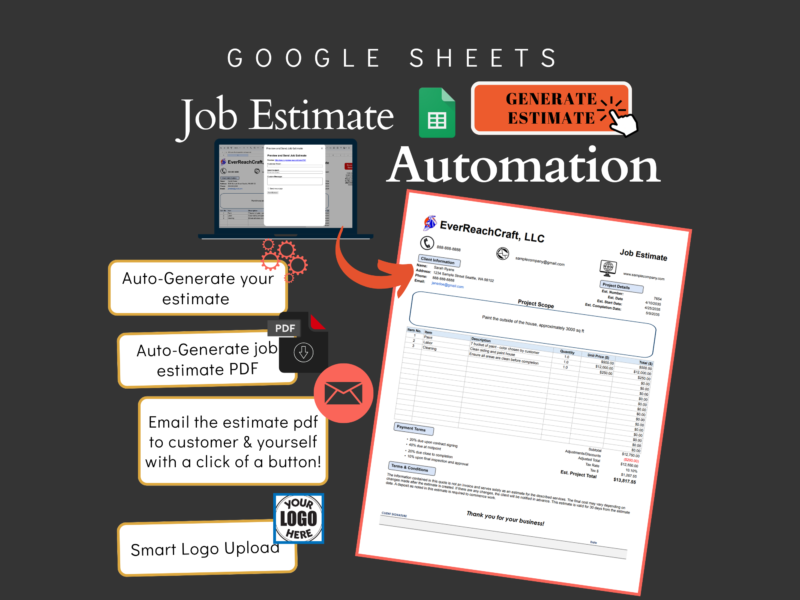
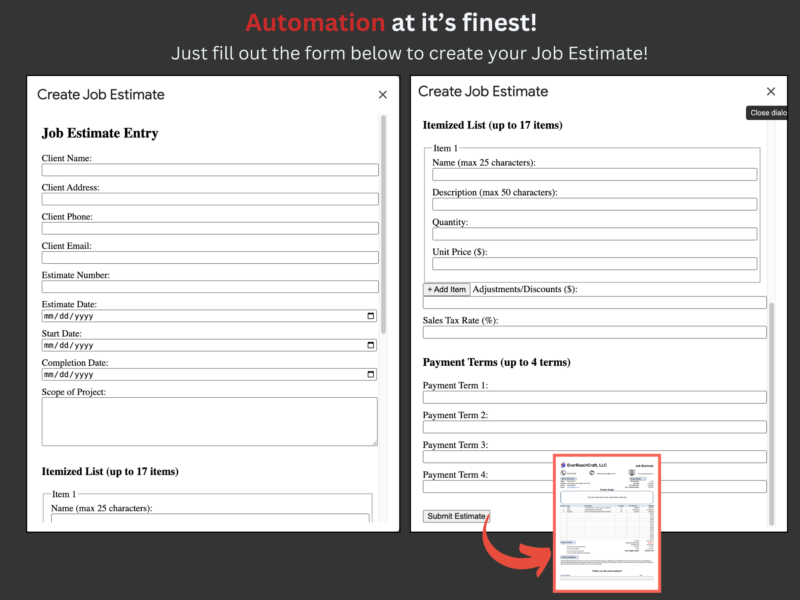
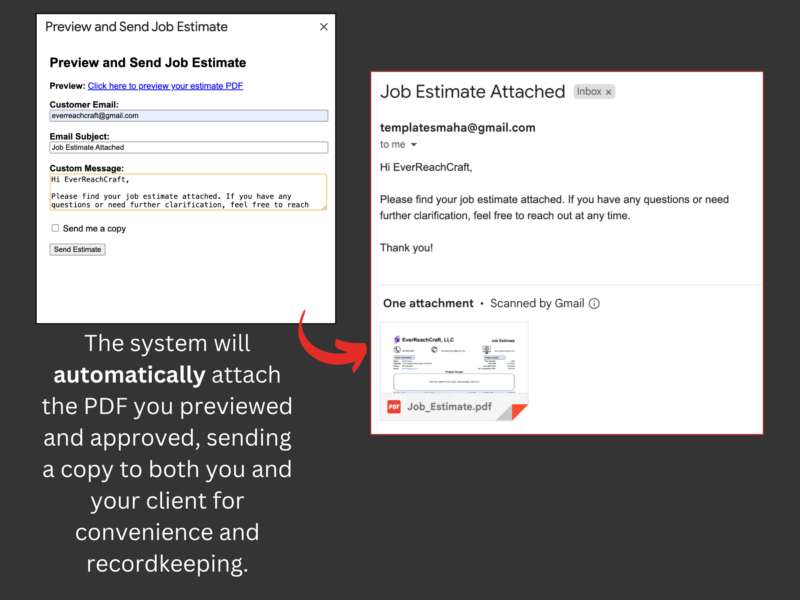
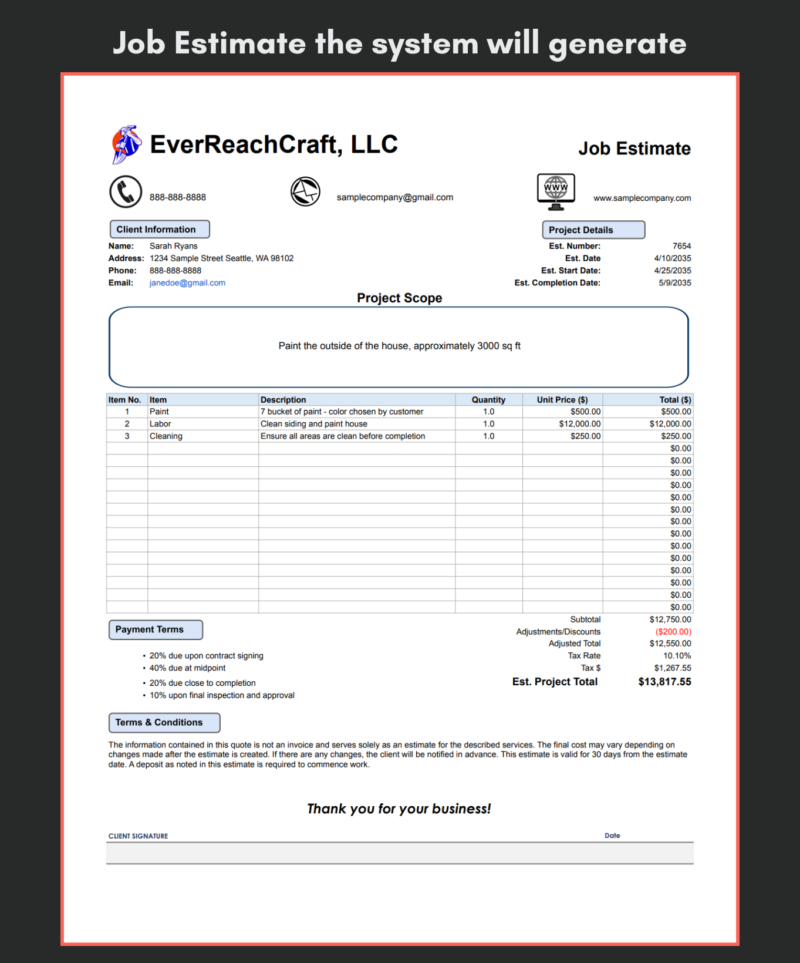
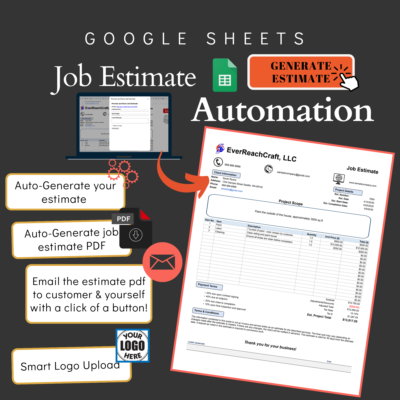
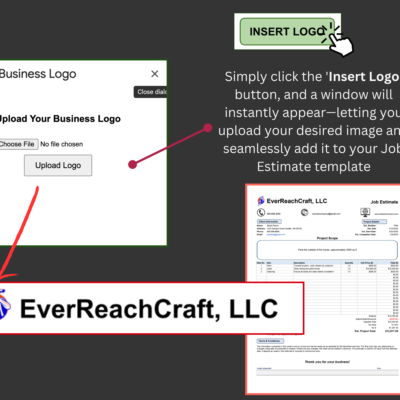
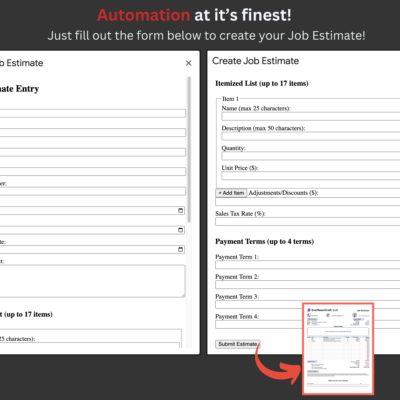
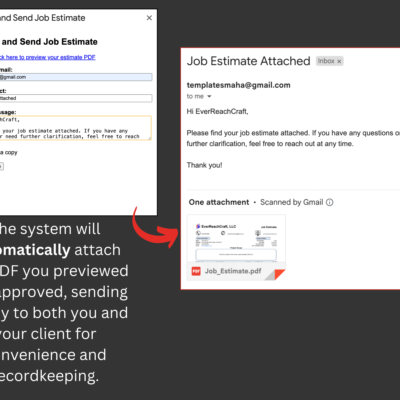
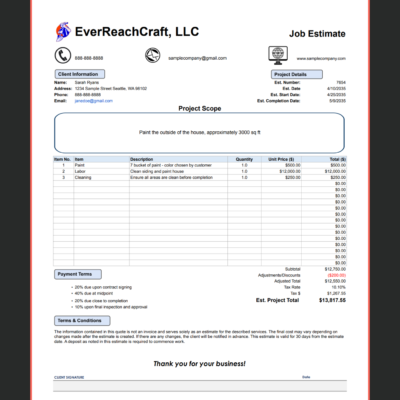
The template includes an estimate form that creates the estimate and its PDF and emails it to the customer and to you with one button, with a space to upload your logo.
Who uses it
Contractors, handymen and service businesses that send estimates before a job. See all job estimate templates.
What you receive
A Google Sheets template and a PDF guide showing how to allow the scripts the first time. The Google Sheets download link opens Google’s “Make a copy” page. It works in Google Sheets only.
How does it work?
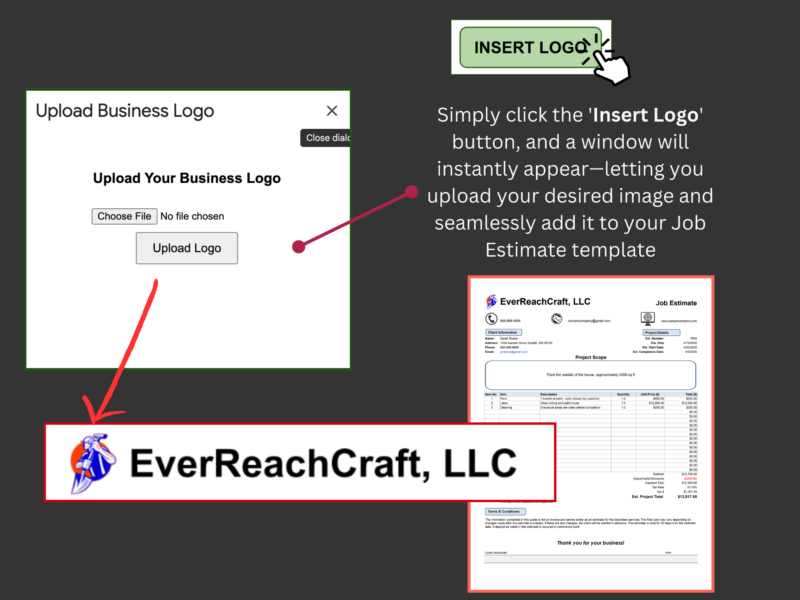
See how it works in the video below! This item functions exactly the same—but with an added bonus: it also includes a feature to upload your business logo
Reviews
There are no reviews yet.