



Trucking Business
Trucking Load Scheduler
$24.99
- Instant download after payment
- No sales tax, no hidden fees
- Excel and/or Google Sheets files
How does it work?
Check out the Youtube video on how to use it below.
What will I get?
1 Google Sheets template. After payment, your download link opens Google’s “Make a copy” page, and one click saves the template to your own Google Drive. The Google Sheets template includes scripts (automations), so it works in Google Sheets only. Also included: a PDF guide showing how to allow the scripts the first time.
How will I get the files?
Once your payment is successfully processed, you will receive instant access to download links for your digital product. A confirmation email will also be sent with downloadable links.
Returns & Exchanges?
These are digital products and sales are final. If a template does not work as described, you may report the issue within 7 days of purchase and may be eligible for a refund under the Terms of Service.
About this template
This trucking load scheduler works in Google Sheets. It is the Trucking Load Scheduler, designed by a licensed CPA.
What is in the trucking load scheduler
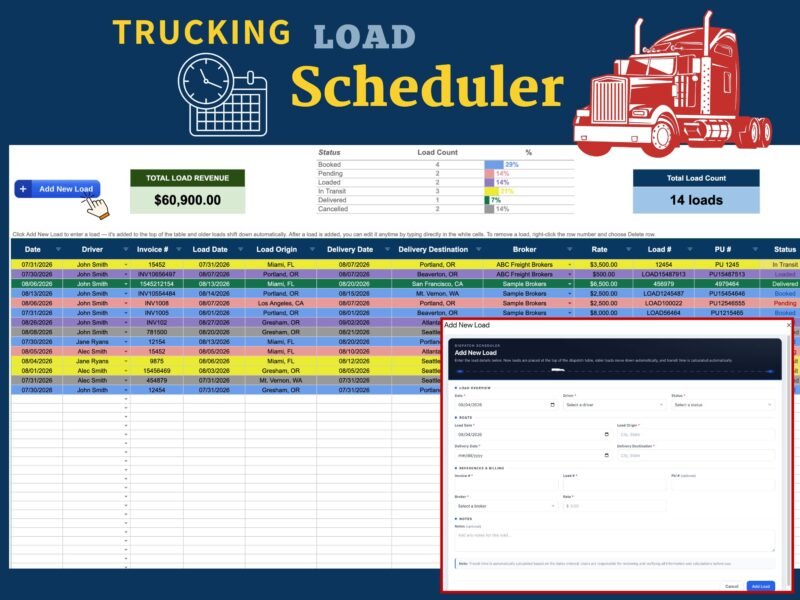
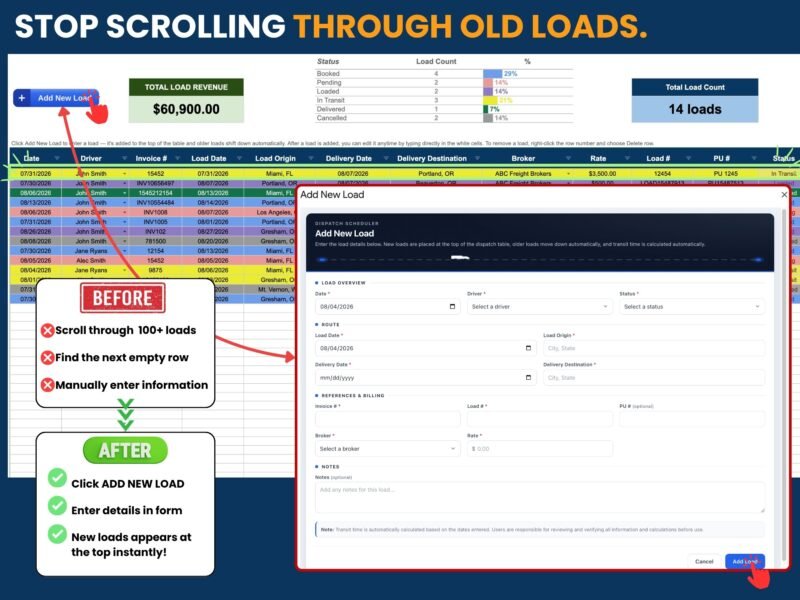
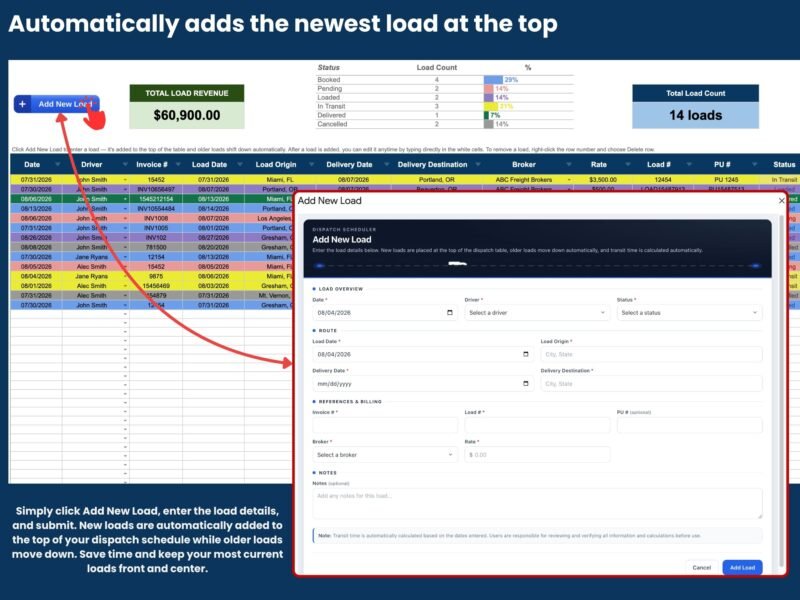
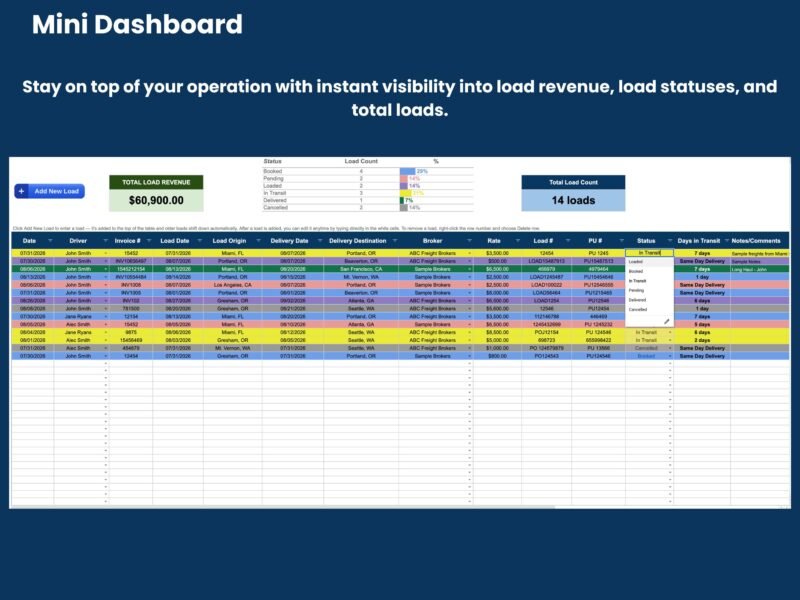
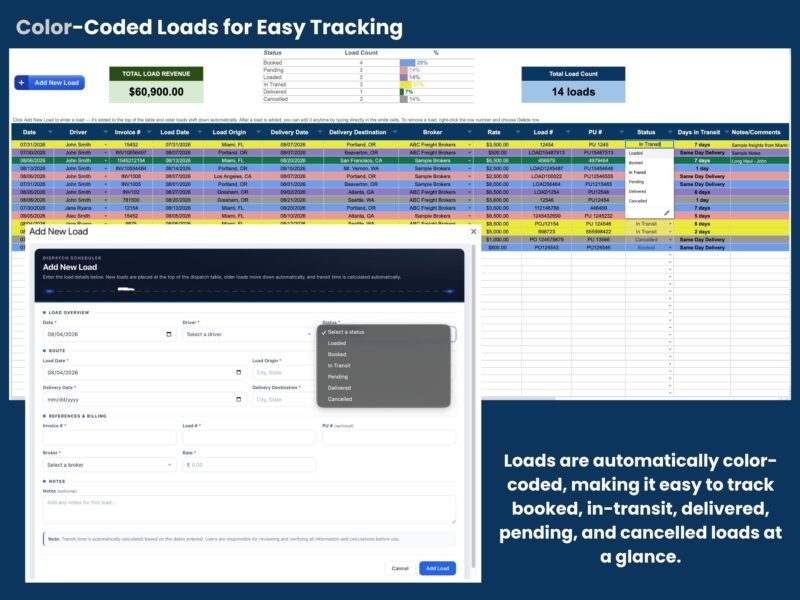
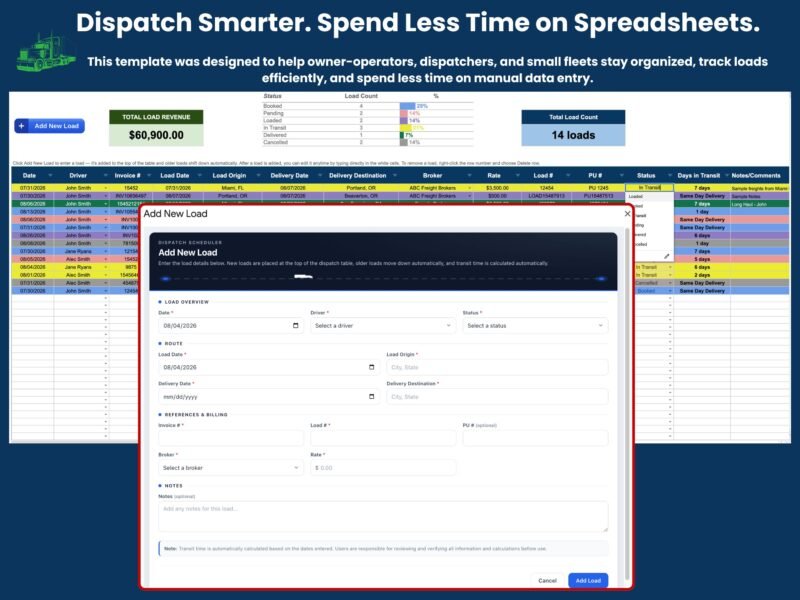
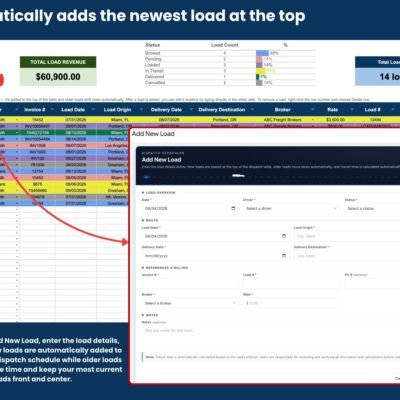
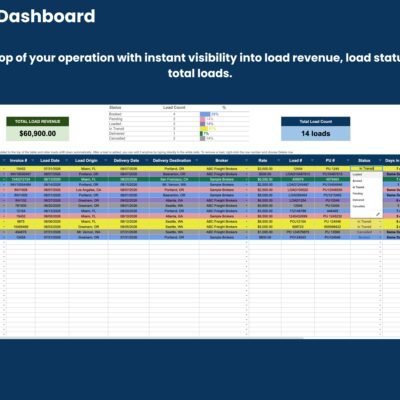
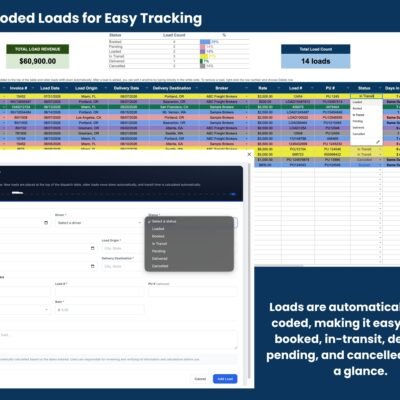
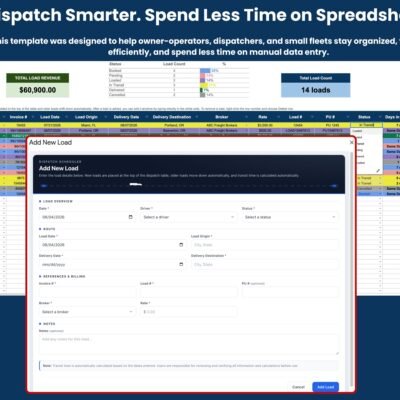
The template includes total load revenue, load count by status (booked, pending, loaded, in transit, delivered, cancelled), a color-coded list of loads with driver, dates, origin, destination, broker and rate, and an Add New Load form.
Who uses it
Dispatchers, owner-operators and small fleets that plan loads for several trucks. See all dispatch spreadsheets.
What you receive
A Google Sheets template and a PDF guide showing how to allow the scripts the first time. The Google Sheets download link opens Google’s “Make a copy” page. It works in Google Sheets only.
Reviews
There are no reviews yet.